
Your link in bio page lives online, but your audience doesn't. A QR code turns your digital page into something you can print on a business card, stitch onto a hat, or project on a screen at a live event. Anyone with a phone can scan it and land directly on your page.
Where a link in bio QR code actually gets used
Business cards. Instead of listing every social handle and URL, a single QR code that opens your link in bio page gives the recipient access to everything at once. It's cleaner and more practical than a wall of text.
Merchandise. T-shirts, tote bags, hats, stickers — printed merch with a QR code lets fans who encounter your brand in the real world connect with you instantly. Someone who sees your merch on a stranger on the street can scan it and follow you within seconds.
Live events and appearances. If you speak at events, perform, or appear at trade shows, displaying your QR code on a slide or banner lets the audience connect without typing anything. It lowers the friction to near zero.
Print materials. Flyers, posters, zines, menus, packaging — anywhere you'd currently print a URL is a better candidate for a QR code. A URL can be mistyped. A QR code can't.
Video content. Displaying your QR code on screen at the end of a video gives viewers watching on a second screen (TV, tablet) a way to tap through on their phone without having to type anything.
Why a QR code for your link in bio page beats a QR code to a single URL
Most QR code generators let you point to a specific URL — your website, your Instagram, your Etsy shop. The problem is that you're committing to one destination at the moment you print it. If that URL changes, or if you want to highlight something different, the printed QR code becomes stale.
A QR code that links to your link in bio page avoids this entirely. The QR code always points to olio.am/yourusername, and your link in bio page is the layer that changes. You can update your links anytime — add a new product, remove a sold-out item, promote a new video — without reprinting anything.
What makes a good QR code
Size matters. A QR code printed too small won't scan reliably. On a business card, the minimum practical size is about 2cm × 2cm. On signage, bigger is always better.
Contrast is essential. Black on white works best. Dark colour on light background is fine. Avoid low-contrast combinations like light grey on white — they're unreliable in poor lighting.
Test before you print. Always scan your QR code with at least two different phones before committing to a print run. What looks fine on screen can scan inconsistently in print.
Leave quiet space around it. QR codes need a margin of empty space (the "quiet zone") around all four sides. Crowding it with text or design elements causes scan failures.
QR codes in Olio
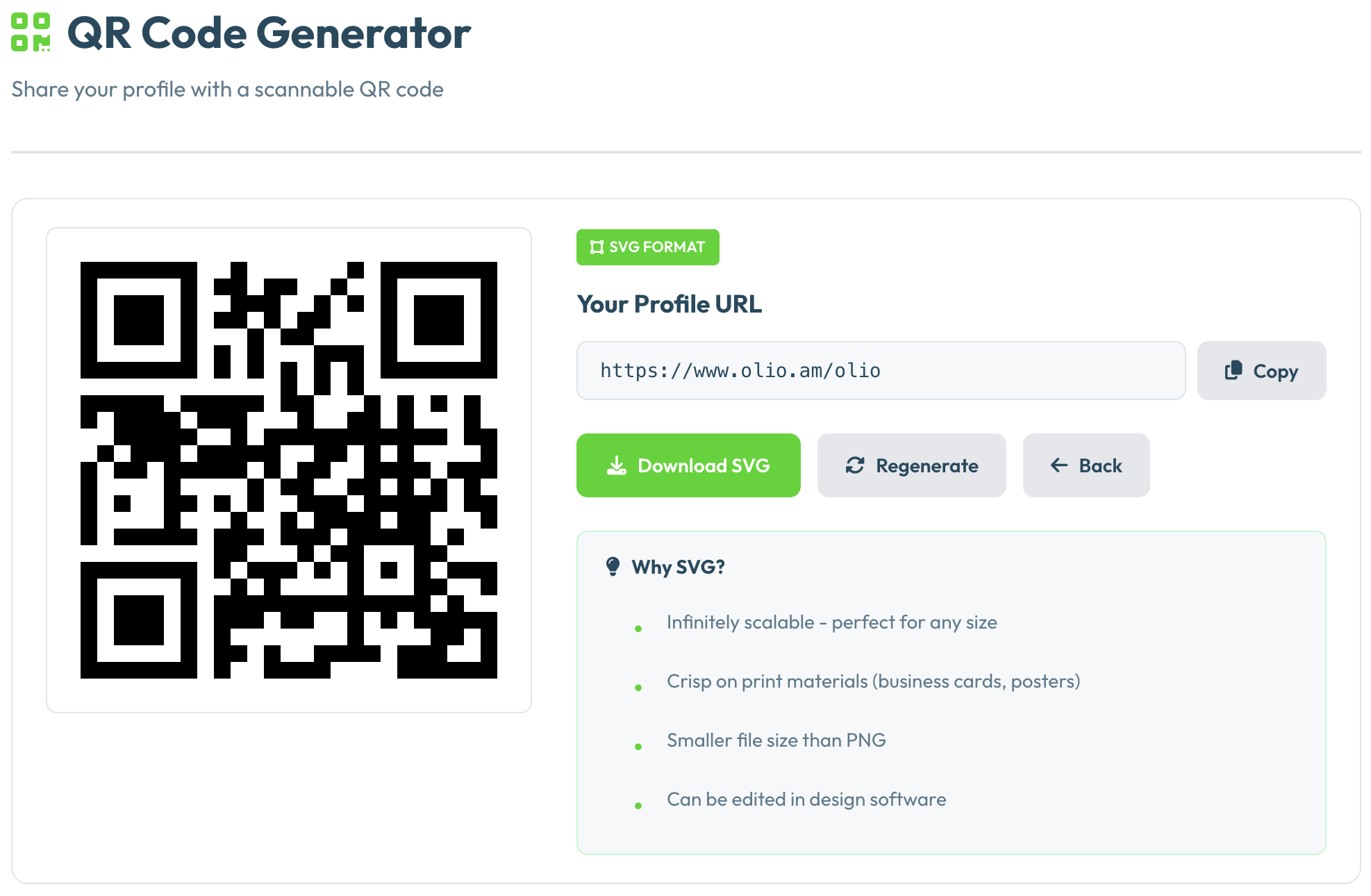
Olio generates a QR code for your profile page automatically — available on Premium. You can download it and use it anywhere: print, digital, or embedded in other designs. It always points to your live page, so whatever links you have set up are what people land on when they scan it.
Get a QR code for your page
QR codes are included in Olio Premium. Start free and upgrade when you're ready.
Create Free Page